
Opening your care home…
Allora for care homes
Every resident’s life deserves a book
Sign in or register your care home with your work email. We’ll send you a six-digit code — no password to remember.

Register your care home
Tell us about your care home
These details go on your invoices. You can change them later, except the country: it sets the currency you pay in.

Care home
Residents
You see each name, how many chapters are in the book and when the resident last told a story — never the stories themselves.
| Resident | Room | Joined | Status | In the book | Last story | Actions |
|---|
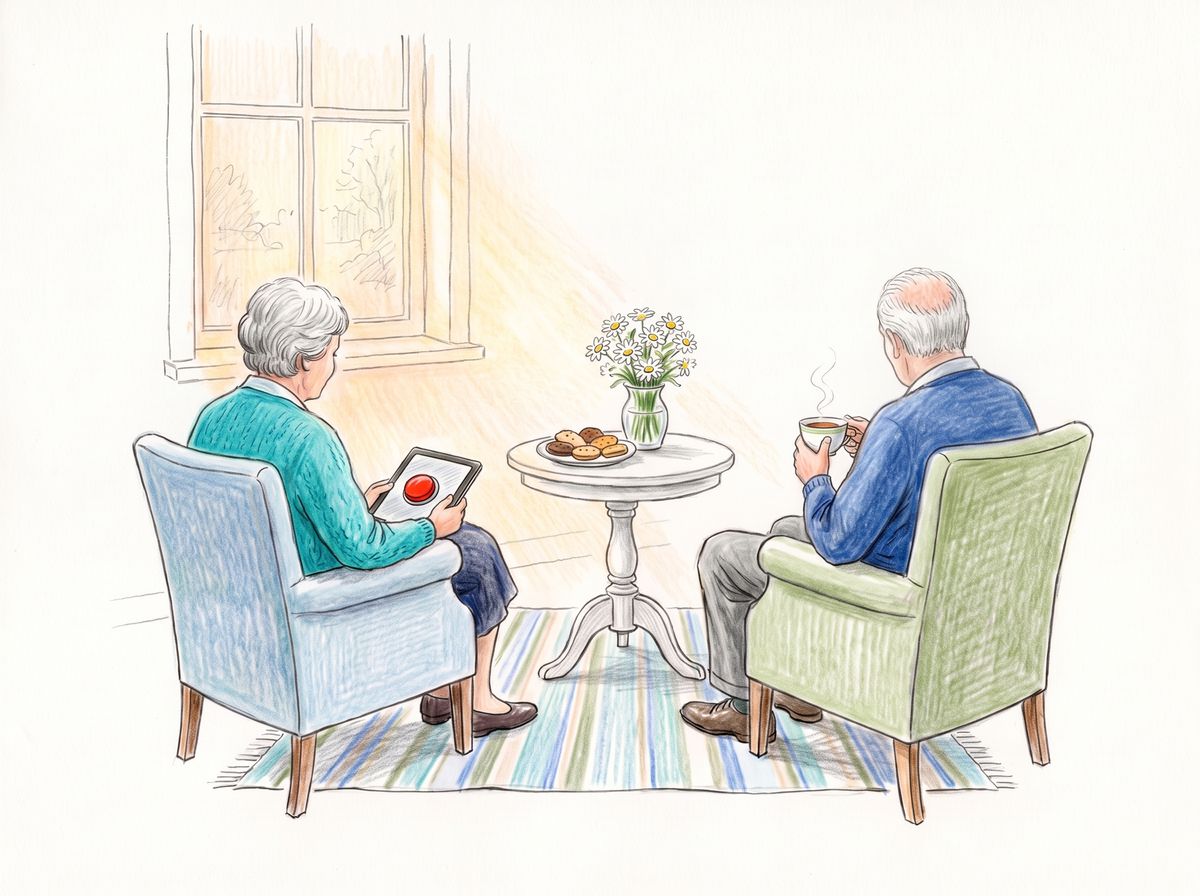
No residents yet. Add a resident and hand over their phone with a code, or share an invitation link.
Invitation links
Share a link with residents and their families. Whoever opens it gets a code for the app and a place in your care home — while places last.
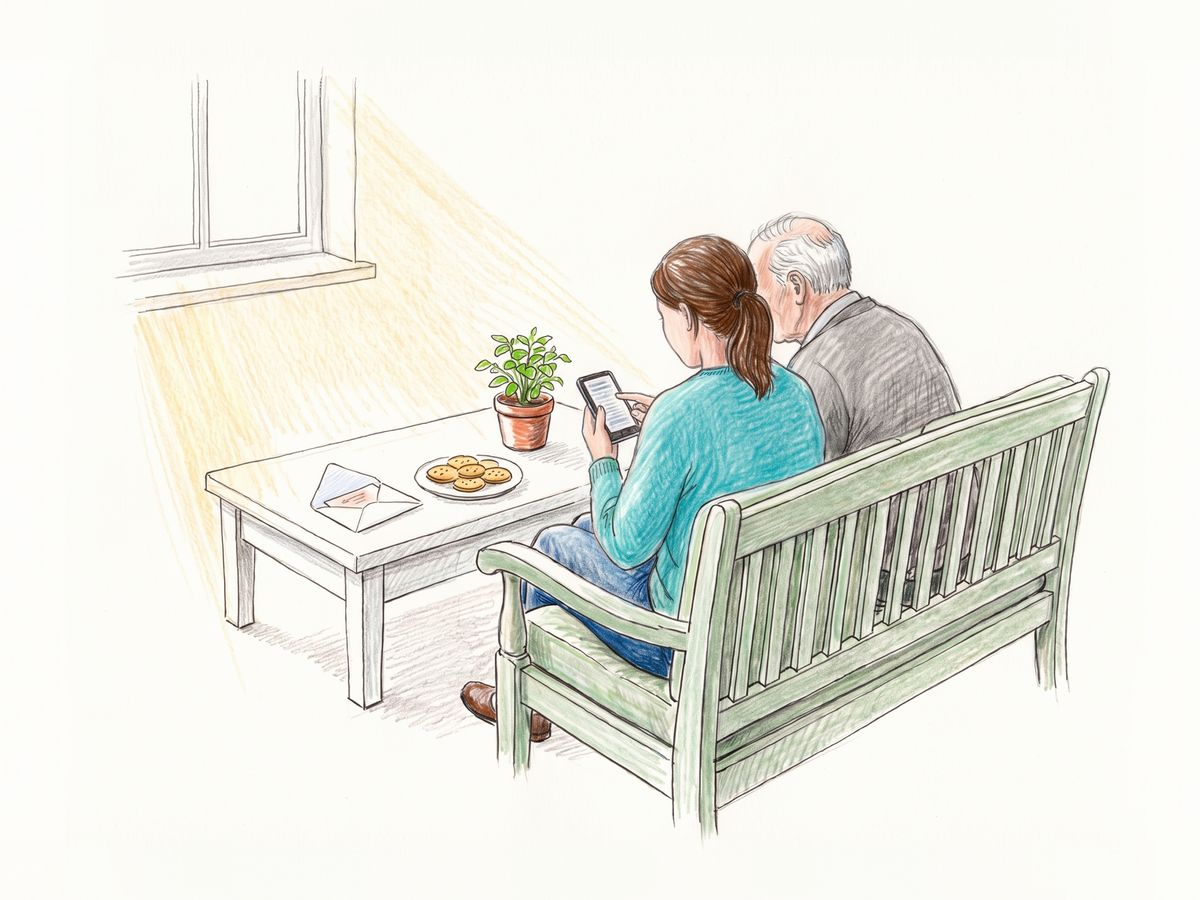
No links yet. One link can bring in many residents and their families: they open it, install Allora and type the code it shows.
Shared tablets
A tablet many residents share: each picks their name and opens their book with four numbers only they know.
| Tablet | Set up | Last used | Actions |
|---|
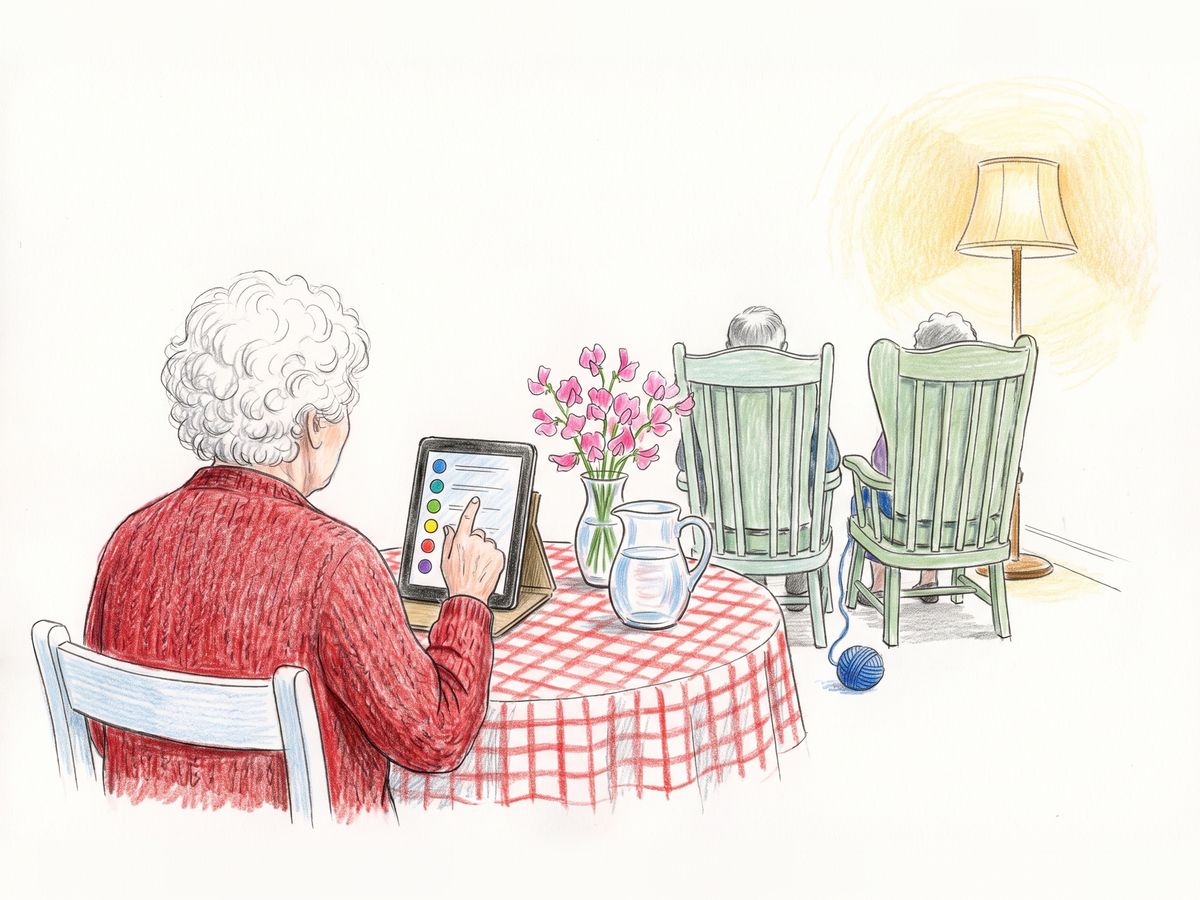
No shared tablets yet. Set one up on any iPad or Android tablet, and residents take turns telling their stories on it.
Billing
One payment per place, no subscription. Each place is a Chronicle book: 30 chapters, 120–180 pages.
| Date | Places | Amount | Status | Invoice |
|---|
No purchases yet. Each place you add becomes one resident’s book.
Settings
Colleagues
Colleagues sign in with their own email and can add residents, links and tablets.